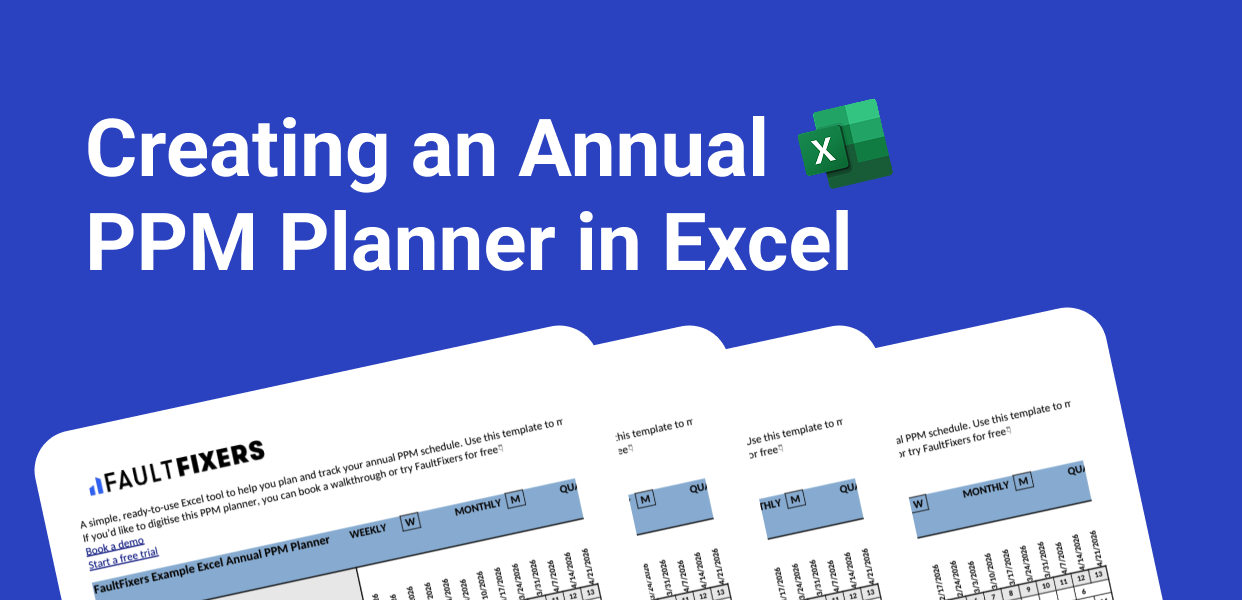
Many teams start their preventive maintenance tracking in Excel. It’s familiar, flexible, and easy to set up. In this guide, we’ll show you exactly how to build a structured preventive maintenance schedule from scratch and when it might make sense to upgrade to dedicated maintenance software. We’ll also explain when Excel works well, and when growing teams typically move to simple digital maintenance management system. maintenance software.

A preventive maintenance schedule helps reduce unexpected breakdowns and extend equipment life. While specialised maintenance systems exist, Excel remains a common starting point. Here’s how to build one properly.
This sets the foundation for a structured and easy-to-read schedule.
Populate your sheet by listing every asset or piece of equipment that requires preventive maintenance.
In the Asset/Equipment column, enter each item.
In the Maintenance Task column, describe what needs to be done—for example, "Replace air filter" or "Lubricate bearings."
In the Frequency column, choose how often each task should occur. This might be:
Being consistent here will make your future calculations easier.
Record the last time each task was completed in the Last Maintenance Date column.
This forms the basis for calculating the next due date, so keep it accurate.
Excel can calculate your next due date using formulas.
For example, if a task is monthly, use:
For weekly tasks, you might use:
This saves time and eliminates manual errors as your list grows.
Use Conditional Formatting to make your schedule visual and actionable.
For example:
This instantly shows what needs attention.
Depending on your operation, you may want to include:
These additions help you track more than just dates and turn a simple sheet into a lightweight maintenance tracker.
Save your file and update it regularly as tasks are completed.
An Excel-based schedule only works if it stays current—so set a reminder or build it into your team’s routine.
You can share the spreadsheet digitally or print it for noticeboards, maintenance rooms, or weekly team meetings.
Use filters to show only tasks due this week, or only tasks for specific equipment.
Excel works well when:
But Excel starts to break down when:
That’s usually the point where businesses look at a CMMS (Computerised Maintenance Management System).
A CMMS gives you:

If your preventive maintenance schedule is growing harder to manage, it may be time to switch to a system built specifically for maintenance teams.
FaultFixers helps you:

.png)
.png)