

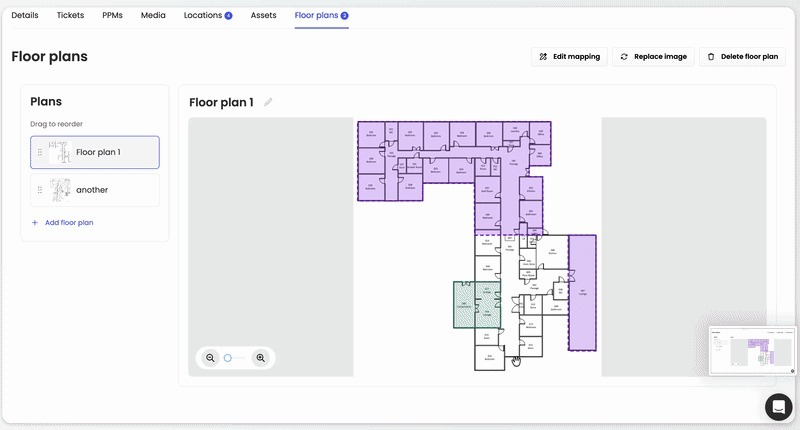
Visualise your facilities with Floor Plans. Upload plans for different floors, buildings or areas, map assets and locations, and give operatives clear visual guidance directly within workflows and reactive jobs.
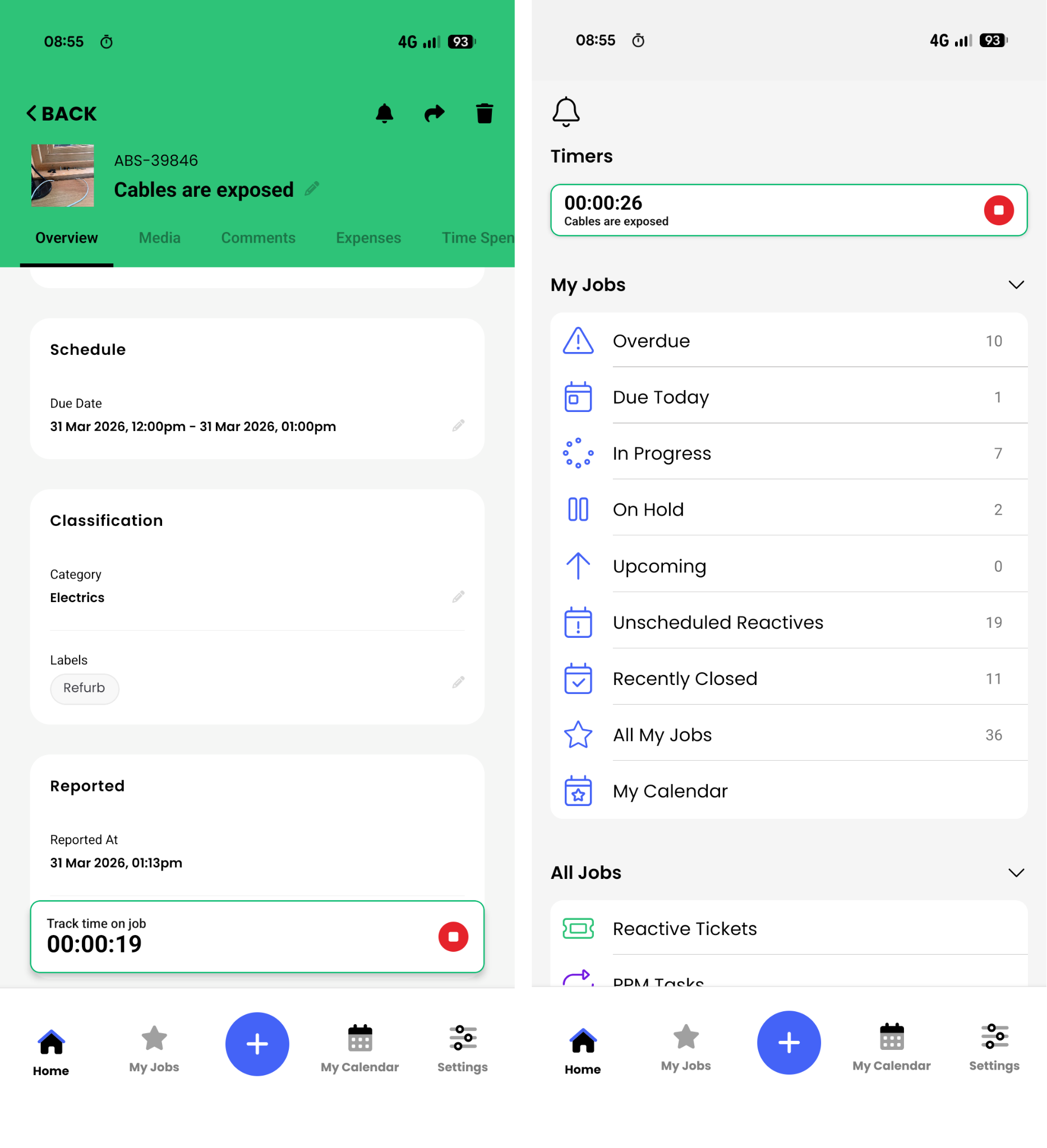
We’ve improved Time Tracker to make logging maintenance work quicker and easier, especially on mobile. Operatives can now start a timer while working on a task and effortlessly record time spent on jobs with a cleaner, more intuitive experience.
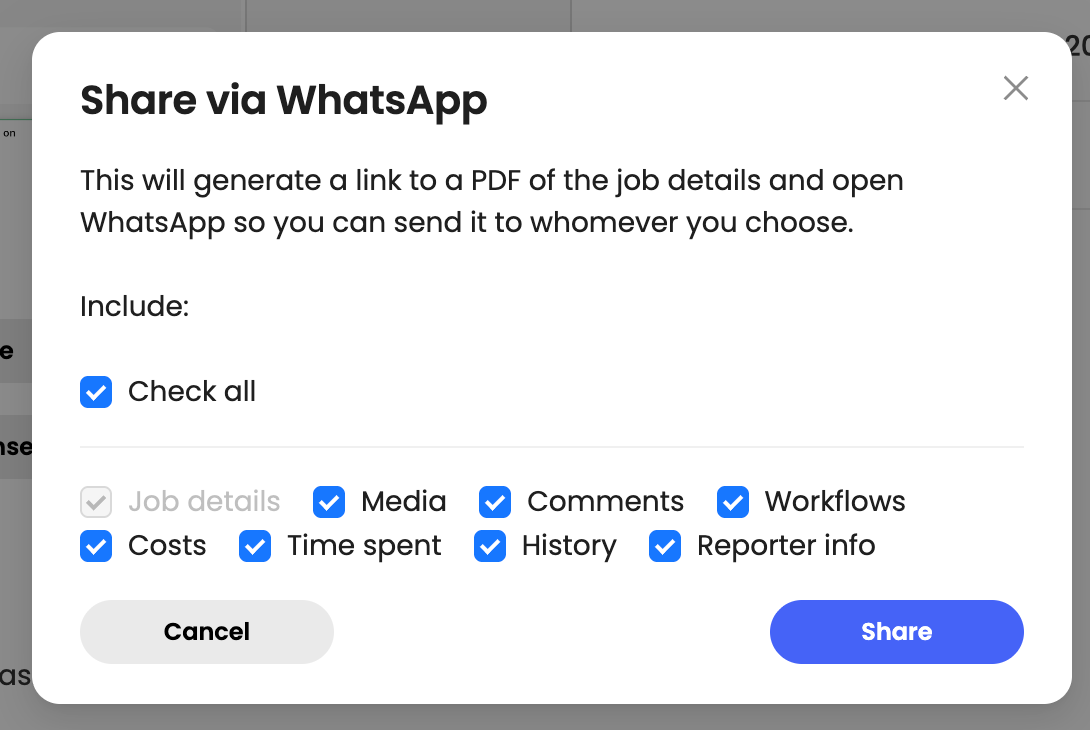
You can share jobs directly through WhatsApp, making it easier to collaborate with contractors and team members. Simply choose which details to include and send a shareable link that recipients can open in FaultFixers.
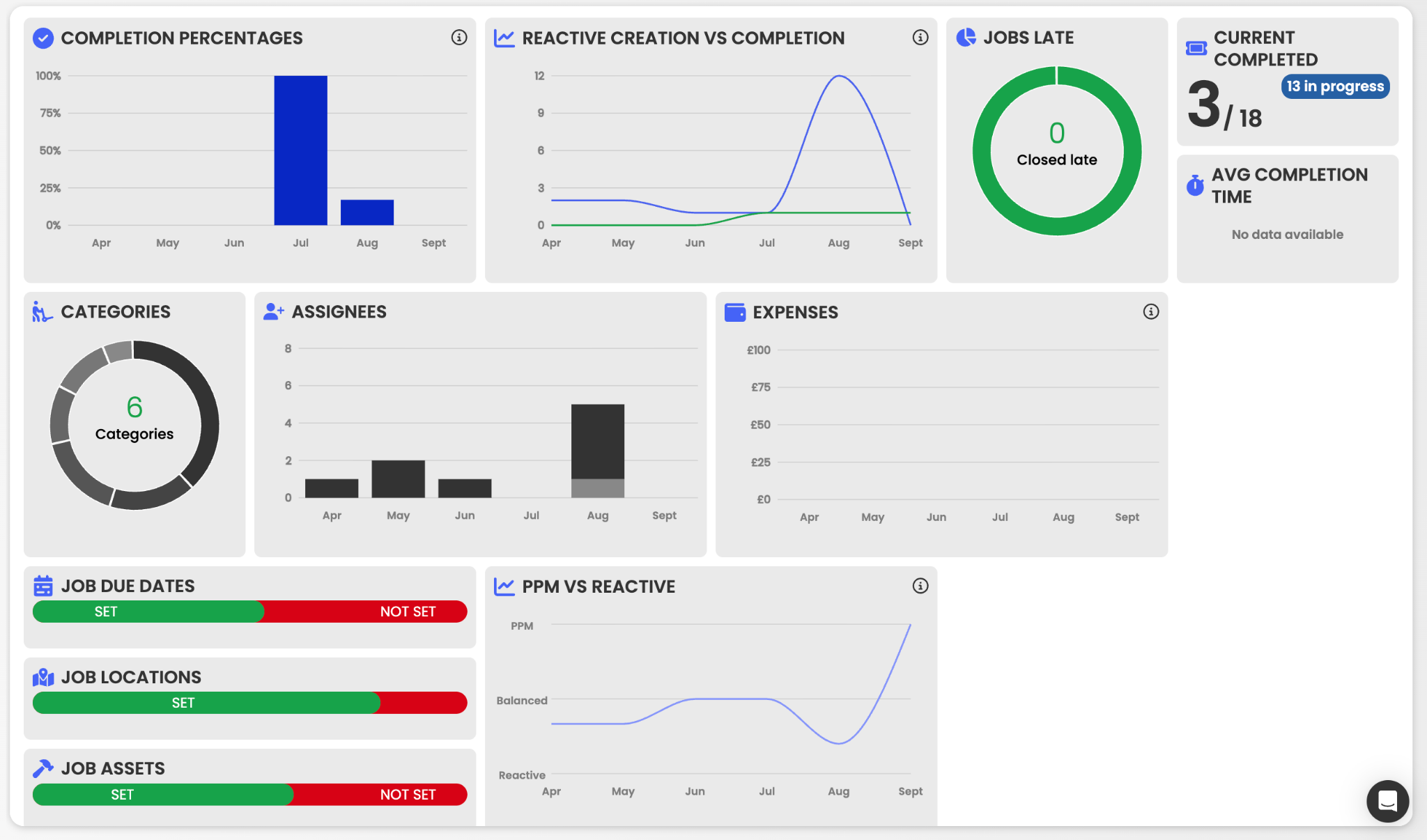
Our Reporting Suite brings your BI reports together in one place, giving you a clearer view of maintenance performance. Track key metrics, filter by buildings, team members or date ranges, and easily identify trends across your organisation.
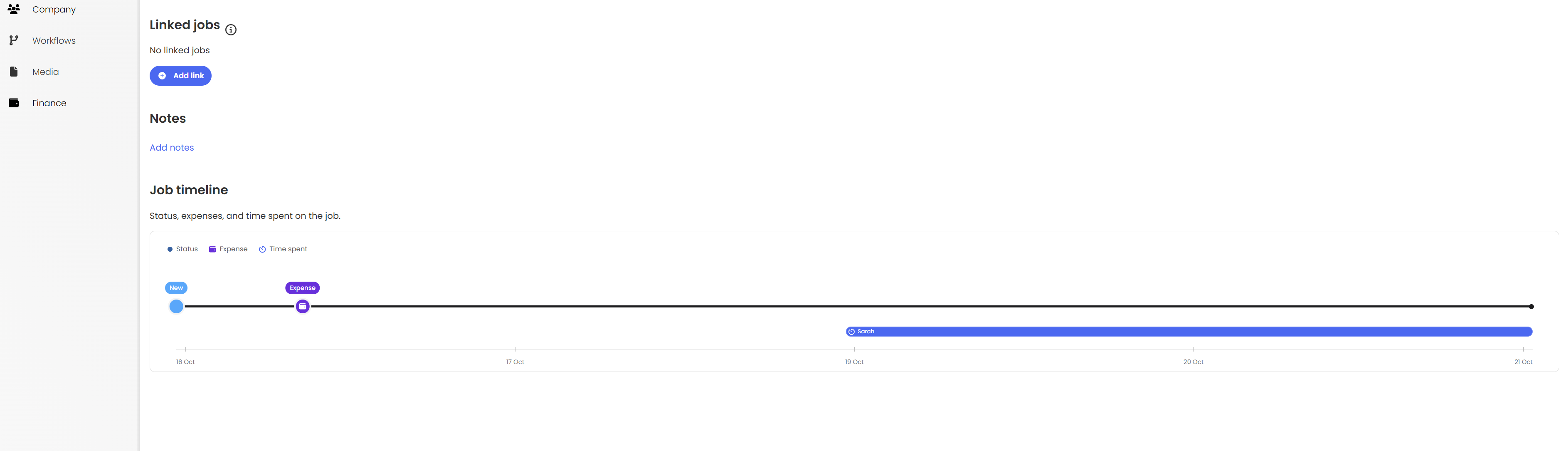
Our improved Job Timeline brings status updates, expenses and time tracking into one clear visual overview. Easily see when work was carried out, how long it took and manage expense dates in one place.
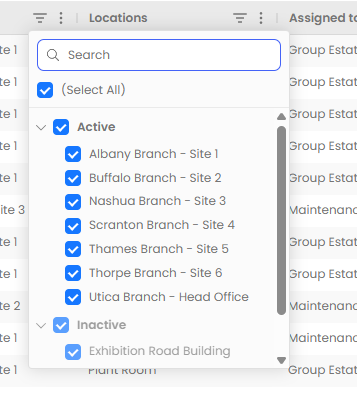
You can filter buildings, locations and assets by their active or inactive status, making it easier to hide older facilities, reduce clutter and focus on what you're currently managing.
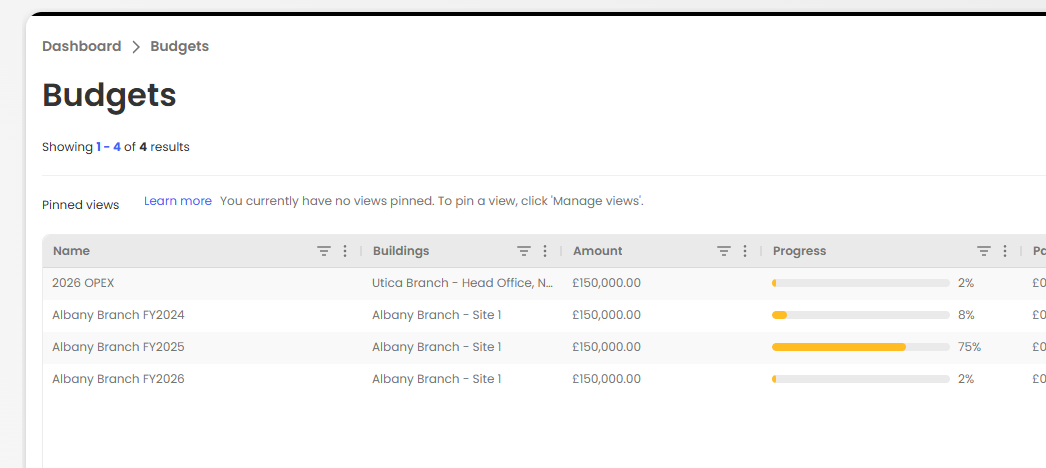
Take control of maintenance spending with Budget Management. Create budgets, track expenses automatically and receive notifications when spending exceeds set thresholds, helping you stay on top of costs across your facilities.
You can duplicate inputs within workflows, saving time on repetitive setup and making it easier to build consistent workflows with similar requirements.

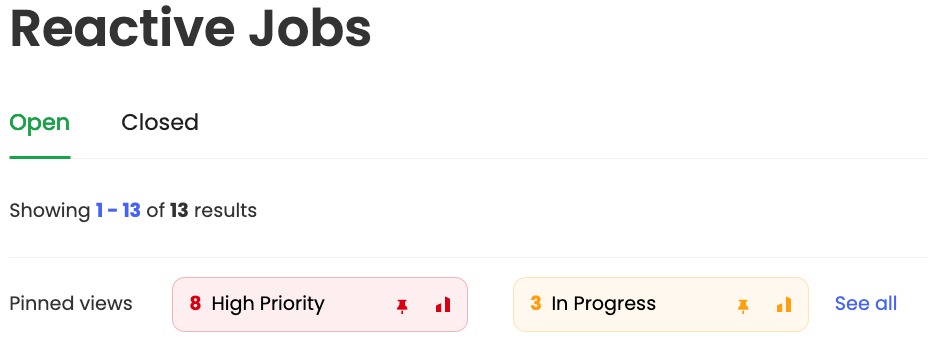
Pinned views display live KPI counts for key job metrics, including overdue, high-priority, upcoming and closed jobs. Simply click a KPI to instantly filter your jobs and keep track of what matters most.
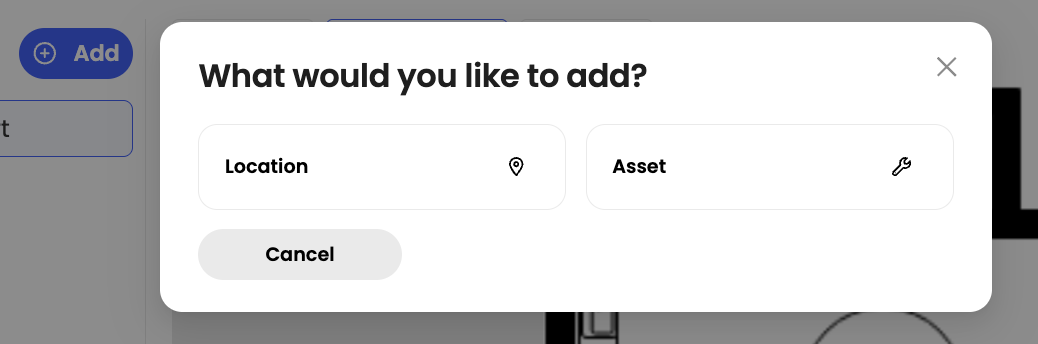
You can add rooms and assets directly within the Floor Plan Editor, making it quicker and easier to map your facilities and keep floor plans up to date without leaving the editor.
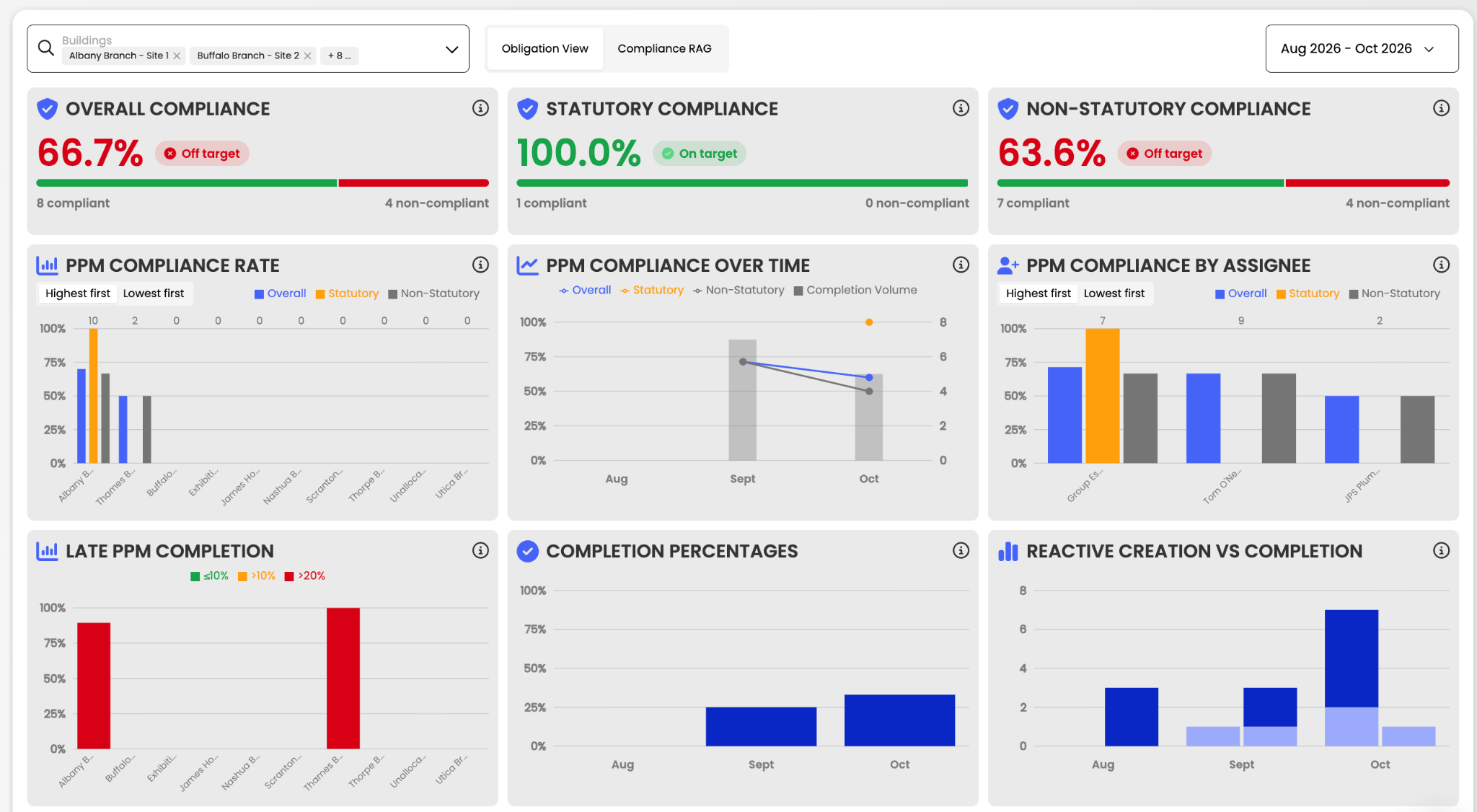
We've added new compliance reporting tiles to the BI page, giving you clearer insights into statutory and non-statutory compliance across your sites. Easily track performance against benchmarks and identify areas for improvement.
This article just scratches the surface of what’s possible with FaultFixers. For more information, check out our Help Center.
And if you’re not yet a FaultFixers customer and want to see what it can do for your organisation, book a demo today.


