

PPM tasks can now be classified as Statutory or Non-Statutory when they’re created.
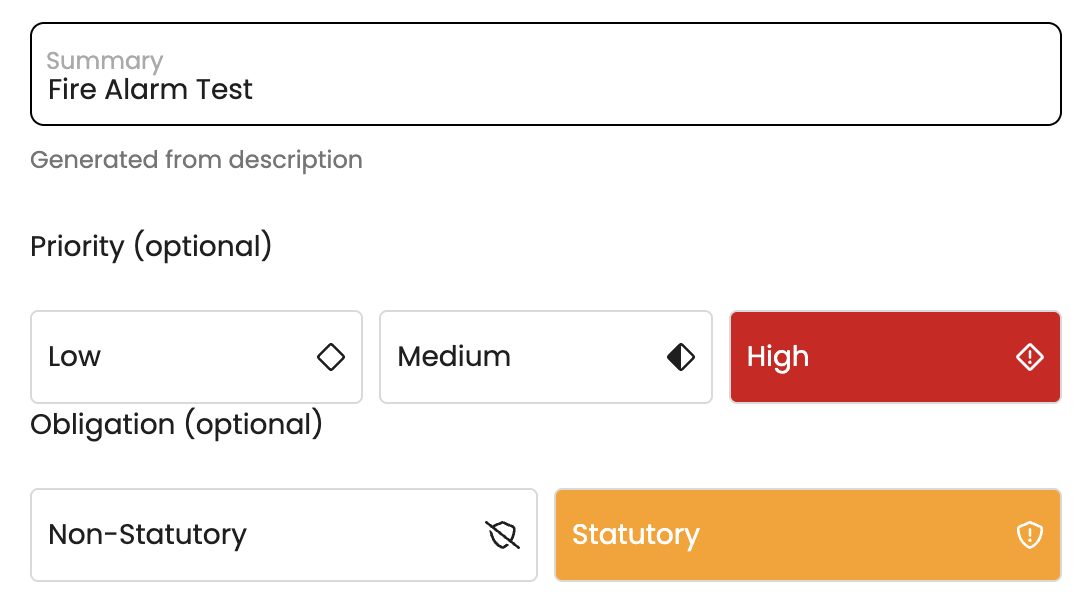
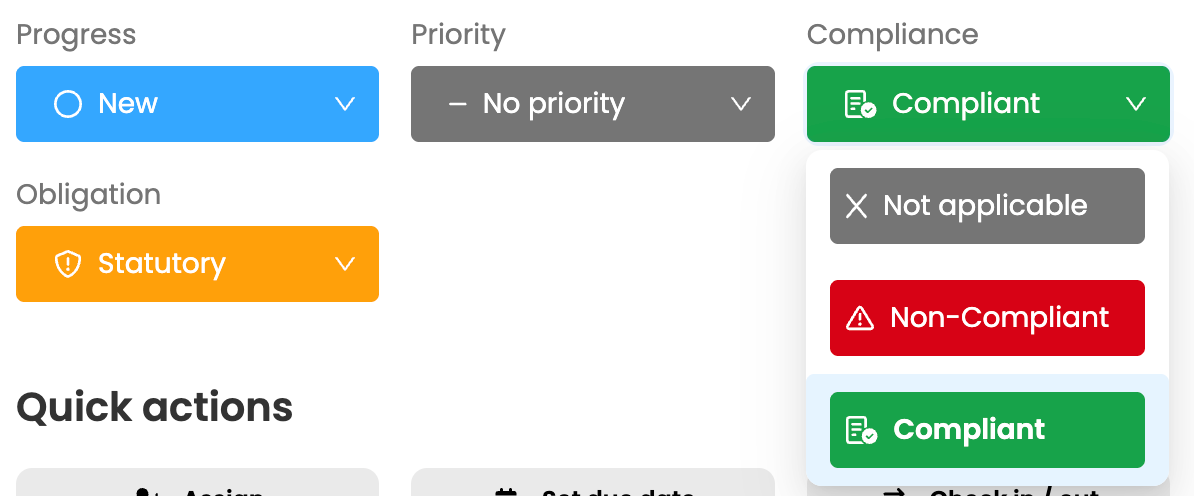
To support compliance tracking, a compliance rating must be recorded before a Statutory task can be closed.
Obligations are also displayed in the PPM schedule, where columns can be sorted and filtered to help you quickly find and review the tasks you need.
Labels can now be applied when creating a PPM task, making it easier to categorise and manage work from the outset. Use labels to identify tasks as Internal or External, or to highlight additional requirements such as permits and certifications. New Internal/External and Statutory/Non-Statutory views also allow you to quickly sort, filter and access the relevant tasks.

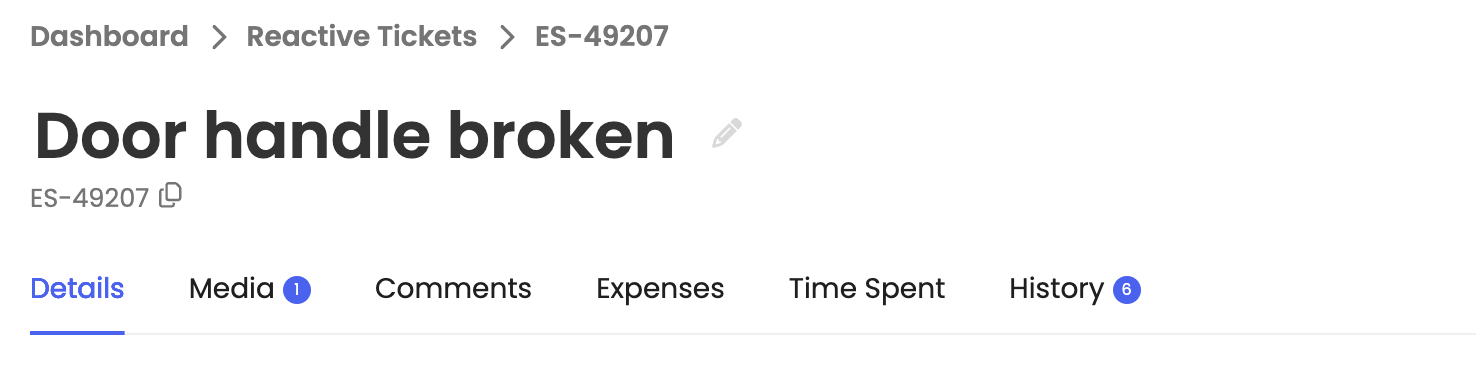
The Job Details page has been updated with a clearer, more intuitive layout. Tabs now appear directly beneath the job title, improving the page hierarchy and creating a navigation experience that is consistent with Pane View.
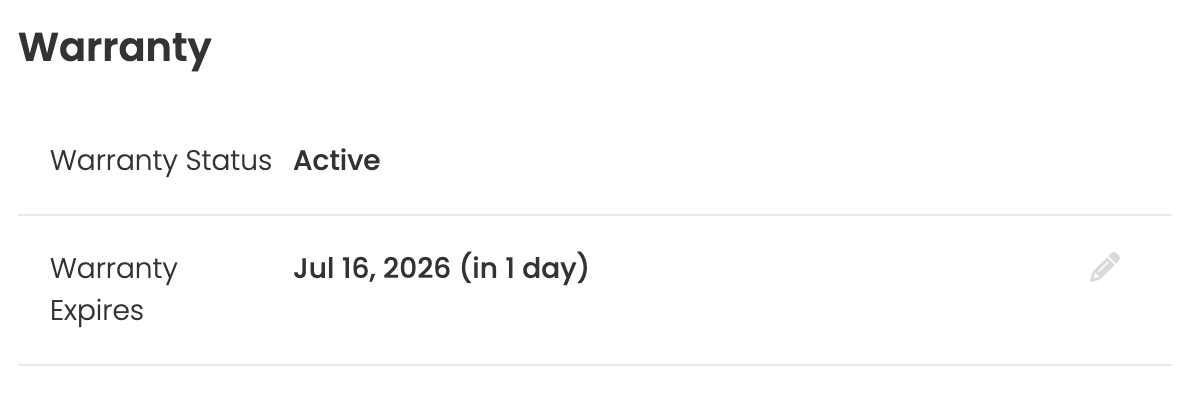
Email notifications are now available for key stages in an asset’s lifecycle, including when:
These notifications give teams more time to review, renew or replace assets before important dates are missed. Notification preferences can be managed in the Notification Centre within Account Settings.
A custom privacy notice can now be added to the Reporter App and displayed before a task is reported. Use the notice to explain what information should or should not be included, helping prevent personal or sensitive details from being submitted. The privacy notice can be configured in the Organisation Details section.

This article just scratches the surface of what’s possible with FaultFixers. For more information, check out our Help Center.
And if you’re not yet a FaultFixers customer and want to see what it can do for your organisation, book a demo today.


