

We’ve introduced P1–P5 priority levels alongside High/Med/Low, giving teams more flexibility in how they prioritise tasks. When switching to P1–P5, existing priorities automatically map from Low to P1, Med to P3 and High to P5, while tasks without a priority remain unset.
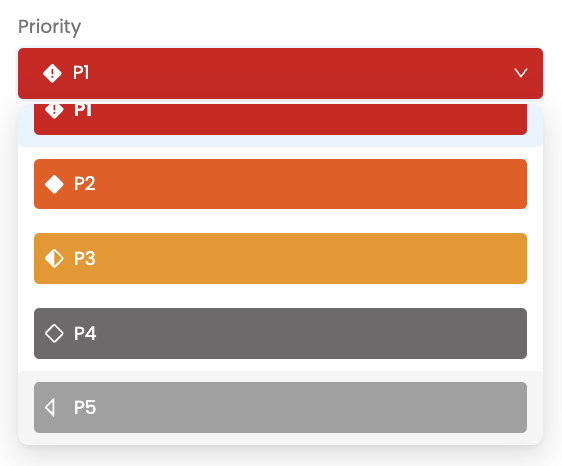
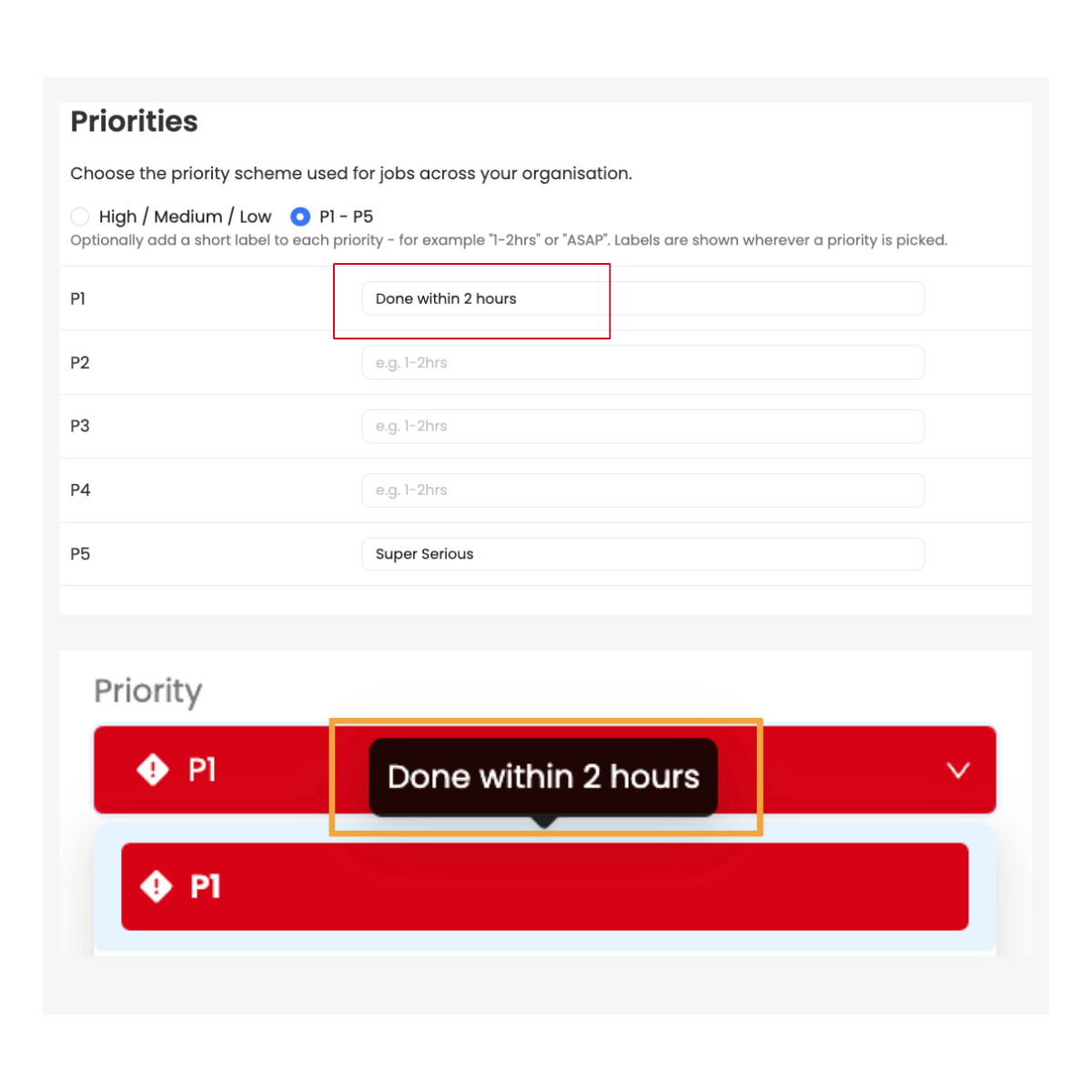
We’ve introduced optional guidance for priority levels to help reporters choose the right level of urgency. Add context such as “Done within 2 hours” or “Usually completed the same day” to set clearer expectations based on your organisation’s processes, or leave it blank where no guidance is needed.
URLs entered into job fields, including the title and description, now automatically become clickable links, making it easier to access supporting information directly from a job. For example, simply enter a Google Maps link to pinpoint an asset’s location or a SharePoint link to open a floor plan.

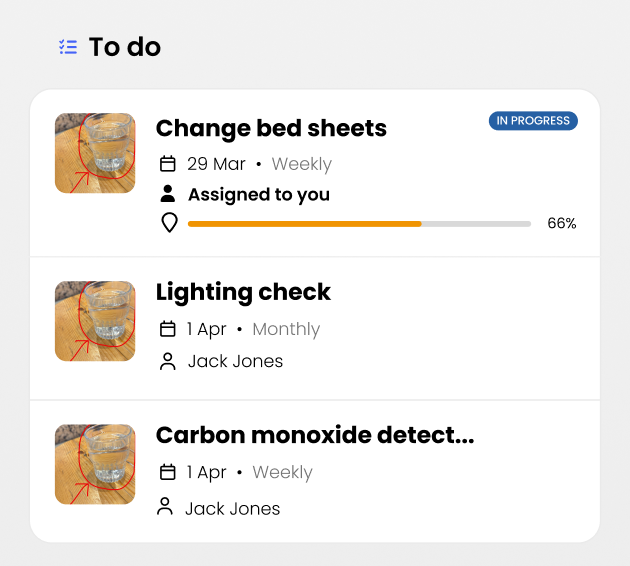
We’ve improved how work is displayed when viewing rooms on mobile, making it easier for operatives to find what needs completing in their current location. Scan a room’s QR code to see assigned jobs and relevant workflows within wider PPMs, track their progress and jump straight into the work for that room.
This article just scratches the surface of what’s possible with FaultFixers. For more information, check out our Help Center.
And if you’re not yet a FaultFixers customer and want to see what it can do for your organisation, book a demo today.


