

Closed jobs can now be marked as either Completed or Cancelled. This helps keep reporting accurate by separating finished work from jobs that no longer need to be carried out, without having to delete the tasks.

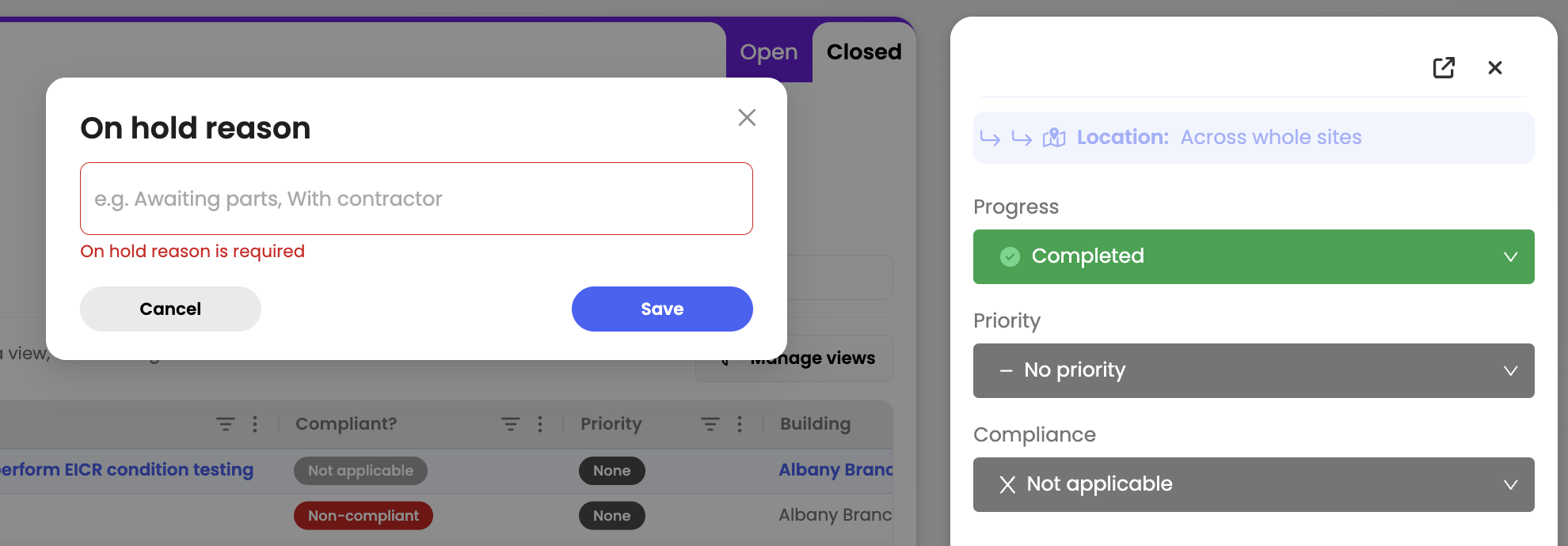
Jobs moved to On Hold now require a reason before the status can be updated. The reason will also appear as a new column in the table view, giving your team instant visibility into why work has been paused without needing to open the job. This makes it easier to track delays, improve communication, and keep everyone aligned on outstanding work.
Automation rules can now be triggered based on job priority. Set conditions using Low, Medium, or High priority levels to automatically assign actions, streamline workflows, and ensure urgent jobs get the attention they need faster.

You can also set automation actions to automatically update a job’s priority based on specific conditions or categories. For example, jobs created under a critical category like alarms can instantly be marked as High priority.

We’ve redesigned the Job Details view to make information easier to scan and navigate. Details are now grouped into clear sections like General, Assignment, Schedule, and Classification, creating a cleaner layout that helps teams quickly find the information they need while managing jobs.
.png)
This article just scratches the surface of what’s possible with FaultFixers. For more information, check out our Help Center.
And if you’re not yet a FaultFixers customer and want to see what it can do for your organisation, book a demo today.


