

This release introduces smarter job creation, improved PPM scheduling, enhanced sharing capabilities, and expanded pane views across the platform.
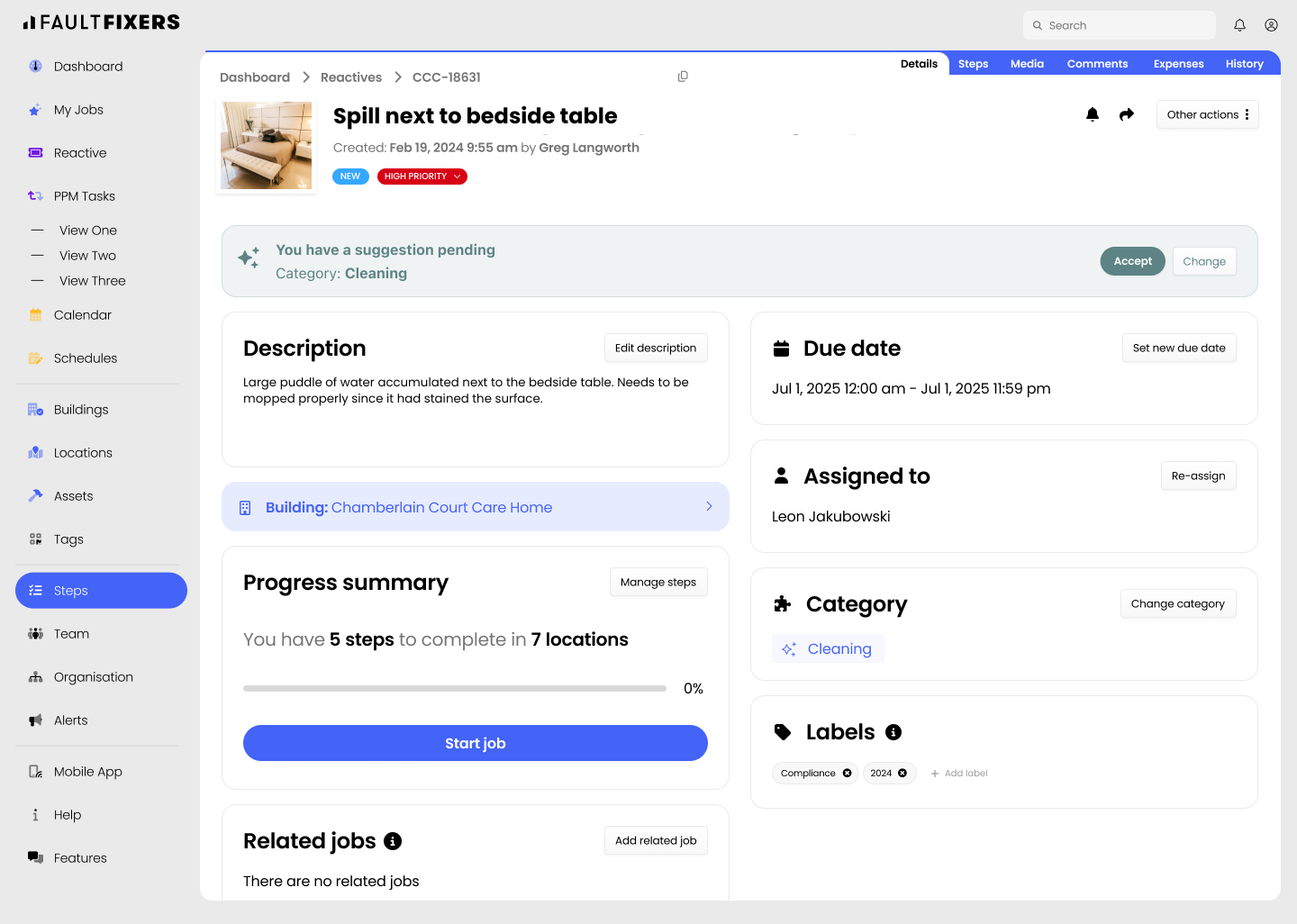
Using the job summary of reported reactive tickets we’ll suggest the most relevant options for you. This helps reporters log jobs more accurately so that they can move faster without having to fret over which category suits the job best.
We’ve introduced enhanced scheduling options for recurring PPM tasks, giving you greater flexibility and control. You can now skip specific days, automatically adjust tasks when they clash, align schedules with month-end dates, and preview upcoming occurrences before they’re created.

You can now access your tag's QR code and directly get the link to reporters for a given building. Print it out to stick it on walls, copy it, or send it via email, SMS, or WhatsApp for everyone to access it easily.

Job sharing has been improved to give you more control over the information you send. You can now select exactly which details to include when sharing a job, ensuring recipients only see the information relevant to them.

Pane view has been expanded across multiple areas of FaultFixers, providing a more consistent way to navigate and manage information. It is now available in Calendar, PPM Tasks, Facilities, Team, Vendors, Expenses, and the Time Spent tabs.

This article just scratches the surface of what’s possible with FaultFixers. For more information, check out our Help Center.
And if you’re not yet a FaultFixers customer and want to see what it can do for your organisation, book a demo today.


